E
Endo
Production
Notion for Production
From service runsheets to kit inventories and creative projects — here's how Notion can bring your production work into one organised, always-accessible place.

From service runsheets to kit inventories and creative projects — here's how Notion can bring your production work into one organised, always-accessible place.
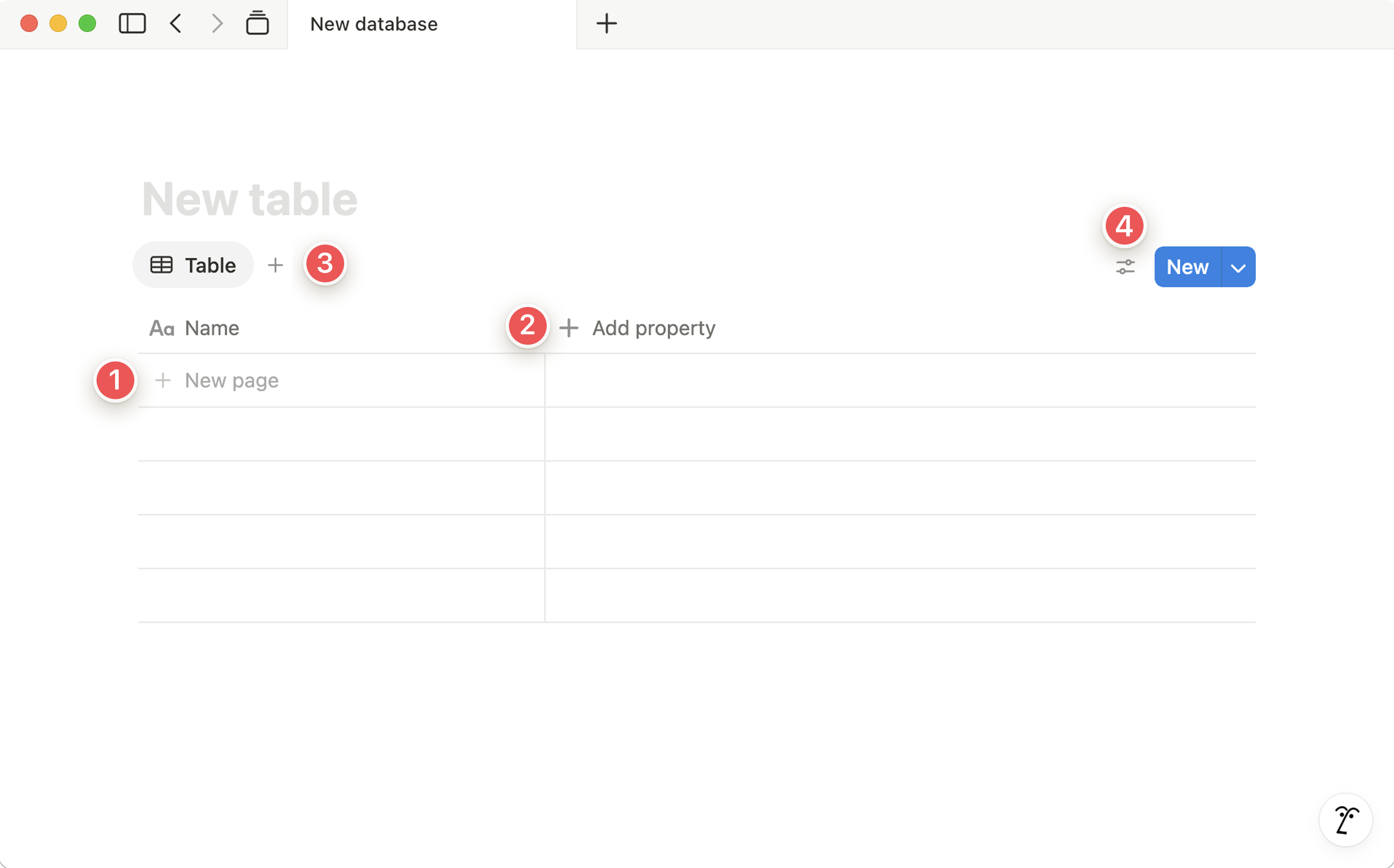
Instead of a new Google Doc or WhatsApp message each week, create a Notion database where every service runsheet lives as its own entry. Each entry contains the running order, timings, tech notes, music tracks, and links to media files.
Because it's a database, you can filter by date, search for past services, and duplicate last week's sheet as a starting point for next week. No more "can you resend the runsheet?" messages.
Track every video, reel, podcast, and media project through a production pipeline. Each project has a status (Idea → Pre-prod → Filming → Edit → Review → Published), an owner, a due date, and links to relevant files.
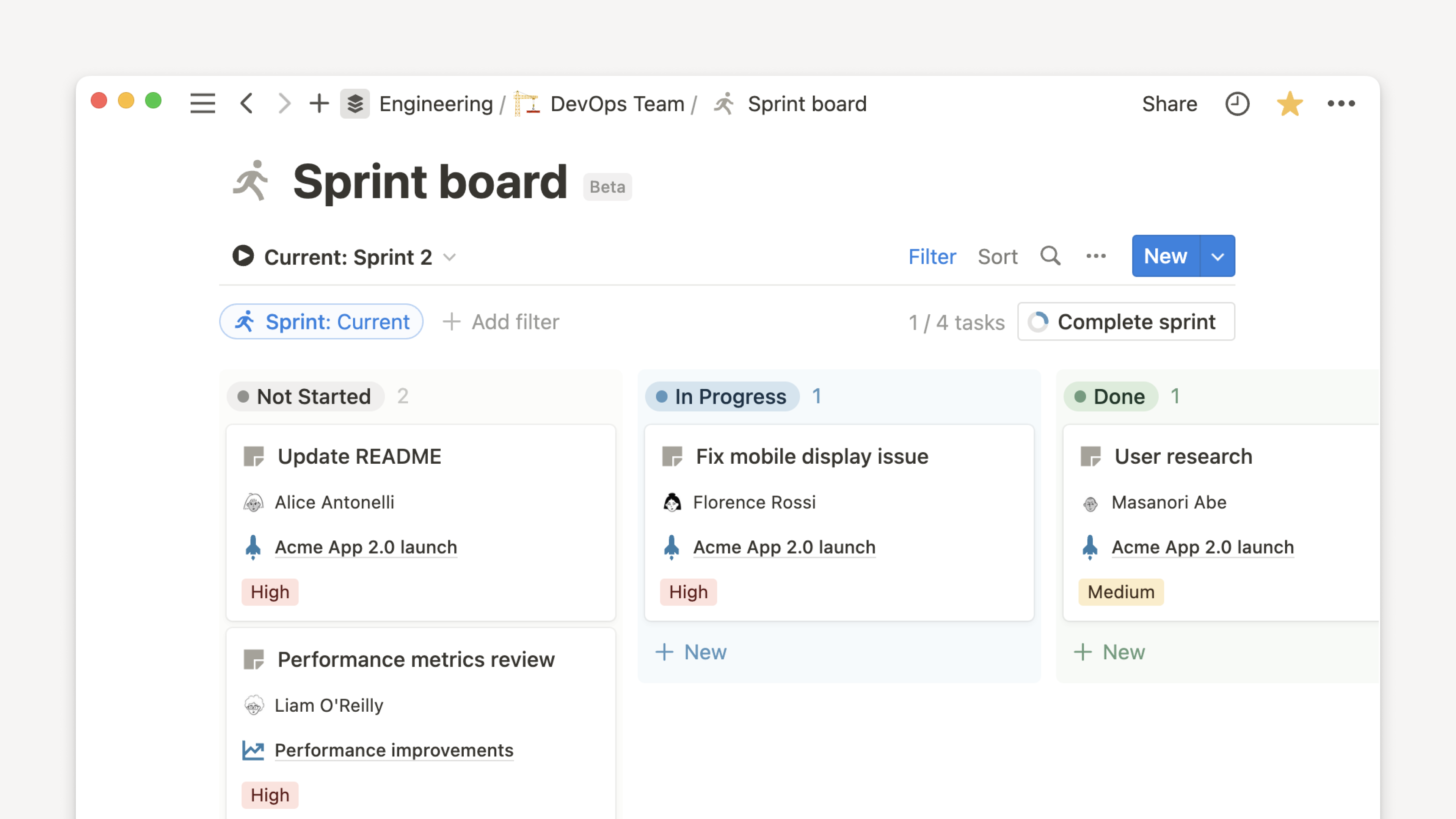
Switch to Board view to see your pipeline at a glance — immediately spotting what's stuck in "Review" and what's about to miss its deadline.
A Notion database makes a brilliant equipment inventory. Each row is a piece of kit — camera, lens, mic, cable, lighting rig. Properties include: location, condition, serial number, purchase date, and last service.
When something needs attention, change the status. When kit goes out on loan, mark who has it. No more spreadsheet on someone's desktop that's six months out of date.
Create Notion templates for your most common service types — Sunday morning, midweek, special event, conference. Each template pre-loads a checklist with every step: sound check, camera positions, slide prep, live stream test, and post-service tasks.
One click creates a fresh copy for the next service, pre-populated and ready to tick through. The checklist lives alongside the runsheet, so everything is in one page.
After every service or production project, a quick debrief in Notion captures what went well, what didn't, and what to change next time. Over time, this becomes a genuine learning library — patterns emerge, recurring issues get fixed, and institutional knowledge is preserved.
Link each review to the corresponding service runsheet so everything is connected. Anyone reading a past review can jump straight to the original runsheet for context.
A Notion page (or database) that acts as a creative hub — linking to approved brand assets, logo files, colour codes, font downloads, social media templates, and design guidelines. Not a replacement for Google Drive, but a well-organised front door to it.
Each asset entry can include: what it's for, who approved it, when it was last updated, and a direct link to the file. No more searching through shared drives wondering if you've got the right version.
Start with the one thing that will save the most time immediately. For Production, that's almost certainly the Service Runsheet database.