All Nations Church / Onboarding / Learning & Development
← Back to Presentation
S
Susie
Learning & Development
Your department

Notion for Learning & Development

Training programmes, learning resources, volunteer training, and development goals — Notion helps you create an organisation that genuinely grows, not just one that survives.

📚 Training Programmes 🎓 Learning Resources 🙋 Volunteer Training 🎯 Development Goals
Learning & Development
Use cases

How Learning & Development uses Notion

📅

Training Programmes Database

Every course, workshop, and training initiative — planned and tracked

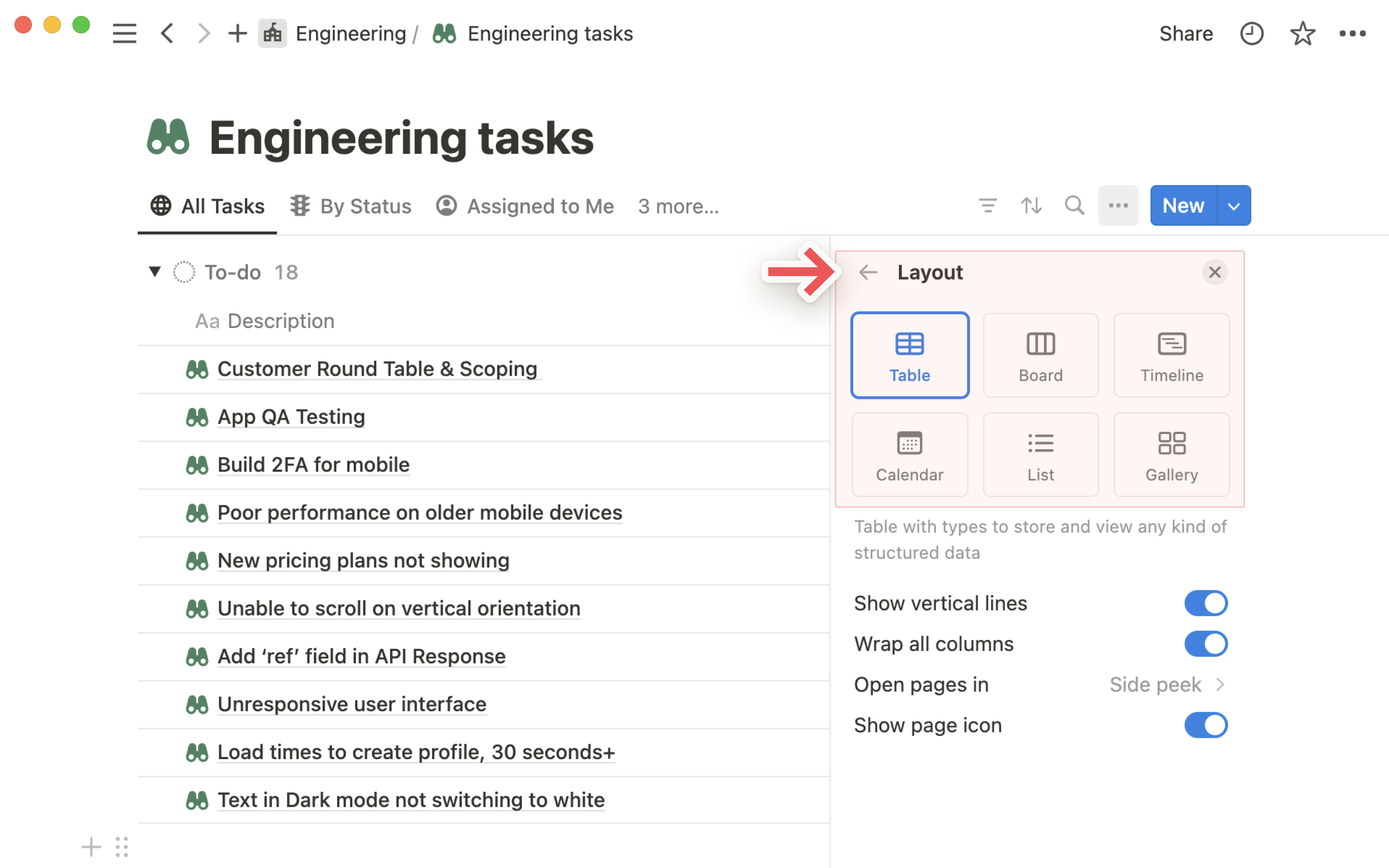
A Notion database that tracks every training programme All Nations runs or participates in. Each entry has: programme name, dates, facilitator, target audience (staff / volunteers / leaders), attendance, and outcomes. Switch to Calendar view for a full year of learning at a glance.

Each programme page includes the agenda, pre-reading materials, post-session notes, and feedback. One source of truth — no more scattered documents per session.

What this looks like in Notion
Notion database views — calendar view for training schedule
📅 Training Programmes — 2026
Safeguarding Level 2 — 3 Jun Confirmed
Leadership Essentials — Jul Planning
Kids Worker Training — 15 Jun Registrations open
Volunteer Induction — Rolling Template ready
💡 Build a Notion form for training registration. Responses feed straight into your database — no manual data entry, and you can see who's signed up in real time.
📚

Learning Resources Wiki

Articles, videos, books, and tools — organised by topic and always findable

A growing library of curated learning resources, organised by topic: leadership, safeguarding, children's ministry, worship, communications, and more. Each resource has a brief description, who it's suitable for, and a link.

Unlike a bookmarks folder or a list in a group chat, a Notion wiki is searchable, filterable, and can be kept current. Good resources get found; outdated ones get archived.

What this looks like in Notion
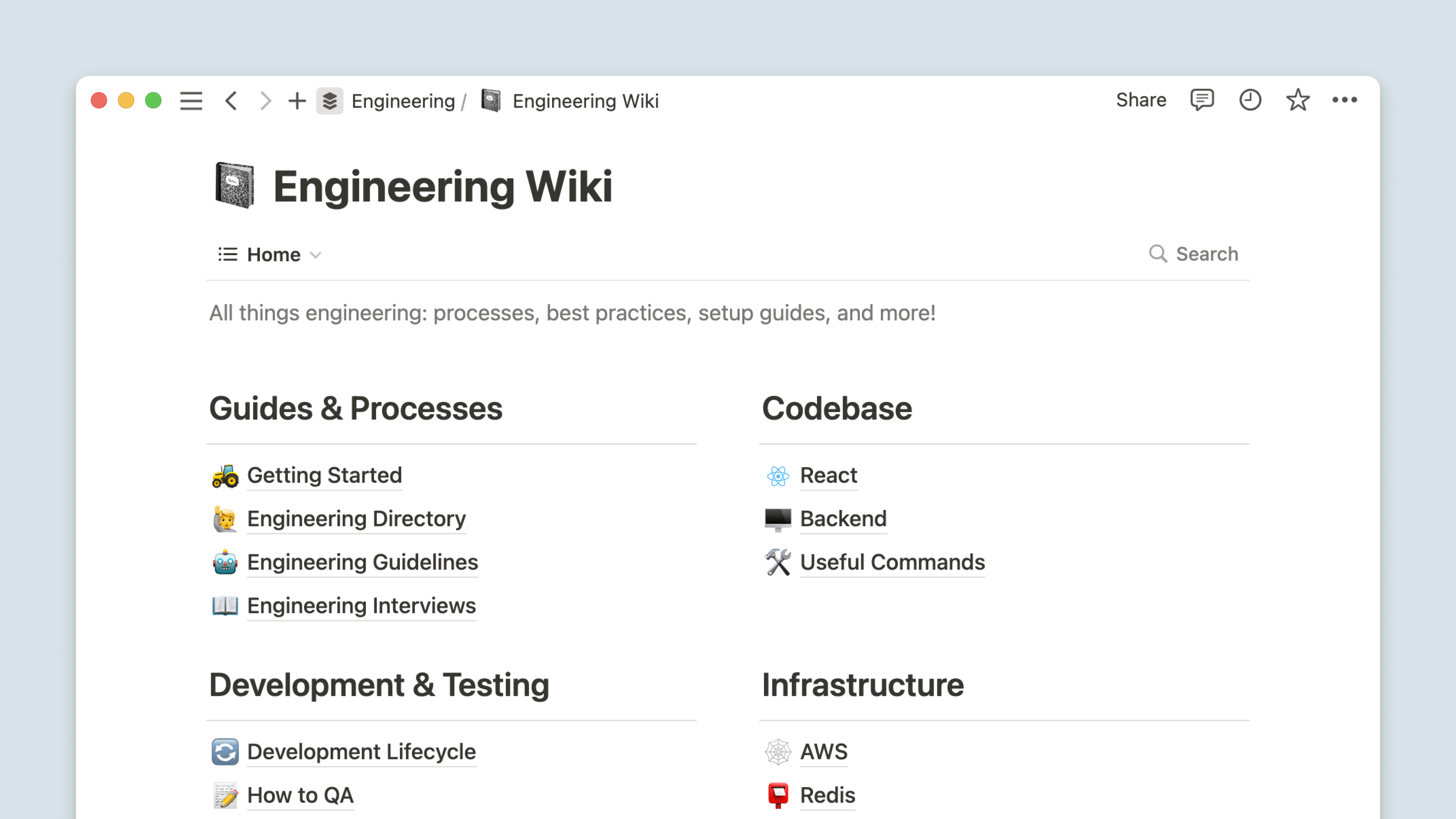
Notion wiki — learning resources as a structured knowledge base
📚 Learning Resources
🎥 "Leaders Who Last" — Video series (Leadership)
📖 THIRTYONE:EIGHT Safeguarding Guide (H&S)
🔗 Notion Academy — Beginner videos (Tools)
📖 "The Culture Code" by Daniel Coyle (Teams)
💡 Add a "Recommended by" field to each resource — knowing that a specific colleague loved something makes other team members far more likely to engage with it.
🙋

Volunteer Training Tracker

Know exactly which volunteers have completed which training — and who's overdue

A compliance and training tracker for volunteers across All Nations. Each volunteer has a record of: what training they've completed, when it expires, and what's still outstanding. Filter to see everyone whose DBS check is due for renewal, or who hasn't completed safeguarding training.

Link this to HR's volunteer contacts database so data isn't duplicated. One database, multiple views for different purposes.

🙋 Volunteer Training — Compliance View
3 volunteers — DBS renewal due Jun Action needed
Kids team — all safeguarding complete Compliant
7 new volunteers — induction pending Queued
💡 Use date properties with reminder notifications for expiry dates — DBS renewals, first aid certifications, and safeguarding refreshers all auto-notify before they lapse.
🖊

Workshop Planning Pages

Everything for each session — agenda, materials, facilitator notes, and feedback

For every workshop or training session you run, create a Notion page containing the full agenda, facilitator guide, slides link, handout links, pre-session notes, and post-session reflection. One page per session — linked from the programme database.

Build these as reusable templates. After running a session once, you have a polished guide for anyone else who delivers it in future.

💡 Include a "Participant feedback summary" section at the bottom of each session page — filled in after the session. Over iterations, sessions get measurably better.
🎯

Individual Development Goals

Personal growth goals for every staff member — tracked and revisited

Private Notion pages (one per staff member) track their personal development goals: what they want to grow in, what training they're planning to do, what they've already done, and progress notes. These link to HR's 1:1 log for full context.

Reviewed quarterly in 1:1 meetings — Notion makes it easy to see what was agreed last time and whether it happened. Development goals stop being something said in a meeting and forgotten.

💡 Ask each staff member to update their development goals page themselves — it builds ownership and ensures the goals remain meaningful to them, not just filed by HR.
🗓

Training Calendar

All upcoming learning opportunities — visible across the whole organisation

A shared calendar database showing all planned training, external courses, and learning events for the year. Visible across the workspace (not just HR), so team members can plan around training dates and self-nominate for sessions relevant to their role.

Linking it to your training programmes database means clicking a calendar entry opens the full session details — description, who it's for, how to sign up.

💡 Share this calendar link in the All Nations church hub so it's visible to everyone — it signals that learning is a priority here, not an afterthought.
🚀

Where to begin, Susie

Start with the Learning Resources Wiki — it's immediately useful to the whole team and doesn't require much setup. Then build the Volunteer Training Tracker, where the compliance need is most pressing.

1
Create a "Learning & Development" teamspace in Notion
2
Build a Learning Resources page — even 10 curated links makes it immediately useful
3
Create the Volunteer Training Tracker — add every active volunteer and their DBS/safeguarding status
4
Build the Training Calendar and share it with the whole workspace