C
Cassy
HR
Notion for HR
Staff records, onboarding checklists, leave tracking, job descriptions, and the staff handbook — a secure, organised HR workspace that keeps your team information accurate and accessible.
Staff records, onboarding checklists, leave tracking, job descriptions, and the staff handbook — a secure, organised HR workspace that keeps your team information accurate and accessible.
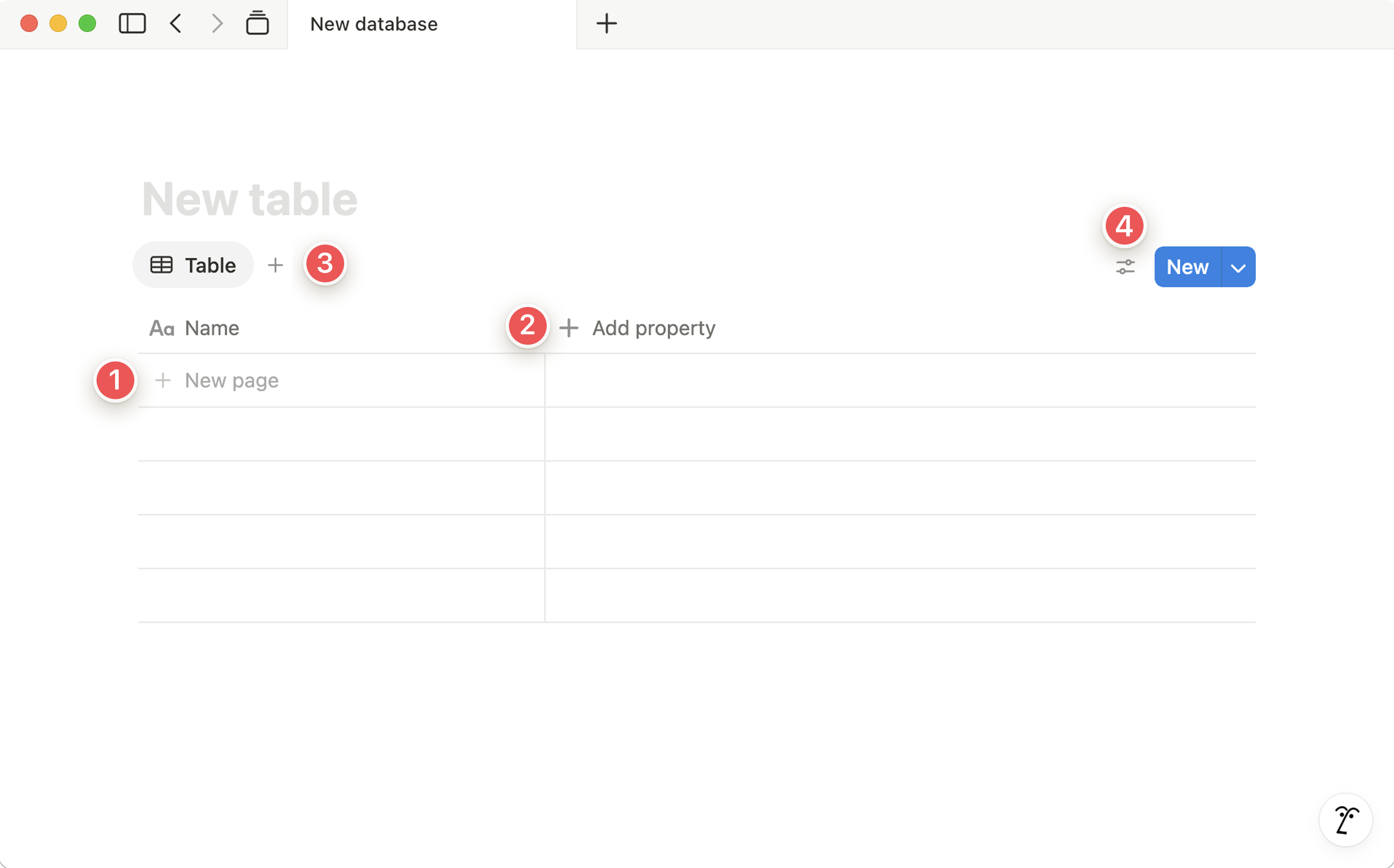
A Notion staff database is your living org chart — each entry is a team member with their role, department, start date, line manager, contact details, and employment type. The database is private to HR and key leaders, with restricted access.
Unlike a spreadsheet, each staff member's entry is a full page. You can add employment documents, notes from 1:1s, training records, and role history — all in one place, all private and secure within a permission-controlled teamspace.
Build a Notion onboarding template that covers everything a new staff member needs from their first day: welcome documents, system access, intro meetings with each team, key policies to read, and first-month goals. One template, reused for every new hire.
Each new hire gets their own onboarding page (duplicated from the template), shared with their line manager. Both can see what's been done and what's outstanding — no one falls through the cracks.
A Notion leave database records every leave request: who, dates, type (annual, sick, compassionate), status (pending, approved, declined), and days taken. A formula property calculates remaining allowance automatically.
Line managers get notified when a request comes in, can approve directly in Notion, and the calendar view shows all leave at a glance — so you can see at a glance if two key people are away at the same time.
A database of every role in All Nations — current and historical. Each entry is a page containing the full job description, key responsibilities, required skills, and last updated date. When someone leaves and you need to rehire, the JD is ready to go.
When roles evolve (as they always do), updating the Notion page ensures the current version is always the one people find — no more emailing "updated JD v3 FINAL" documents around.
The All Nations Staff Handbook in Notion is a living document — not a PDF that goes out of date within six months and nobody can find. It's a set of interconnected pages: employment policies, safeguarding, expenses, code of conduct, communication guidelines, and more.
Staff can search it, link to specific sections, and always know they're reading the current version. When a policy changes, update the Notion page — done.
Private 1:1 and review pages in Notion — one per staff member, accessible only to HR and the relevant line manager. Each page logs check-in notes, agreed actions, development goals, and formal review outcomes chronologically.
Over time these pages become a comprehensive record of each person's journey at All Nations — invaluable when patterns emerge, when conversations need documentation, or when growth needs celebrating.
Start with the Staff Handbook — it benefits every single person in All Nations from day one and establishes Notion as the go-to reference for how things work here.