All Nations Church / Onboarding / Generations
← Back to Presentation
J
Josh
Generations (Youth, Kids, Young Adults)
Your department

Notion for Generations

Programme planning, team rotas, session resources, registration, and pastoral care — Notion gives Generations a proper system to run alongside the incredible community you're building.

🎯 Programme Planning 👥 Team Rotas 📒 Session Resources 💙 Pastoral Care
Generations
Use cases

How Generations uses Notion

📆

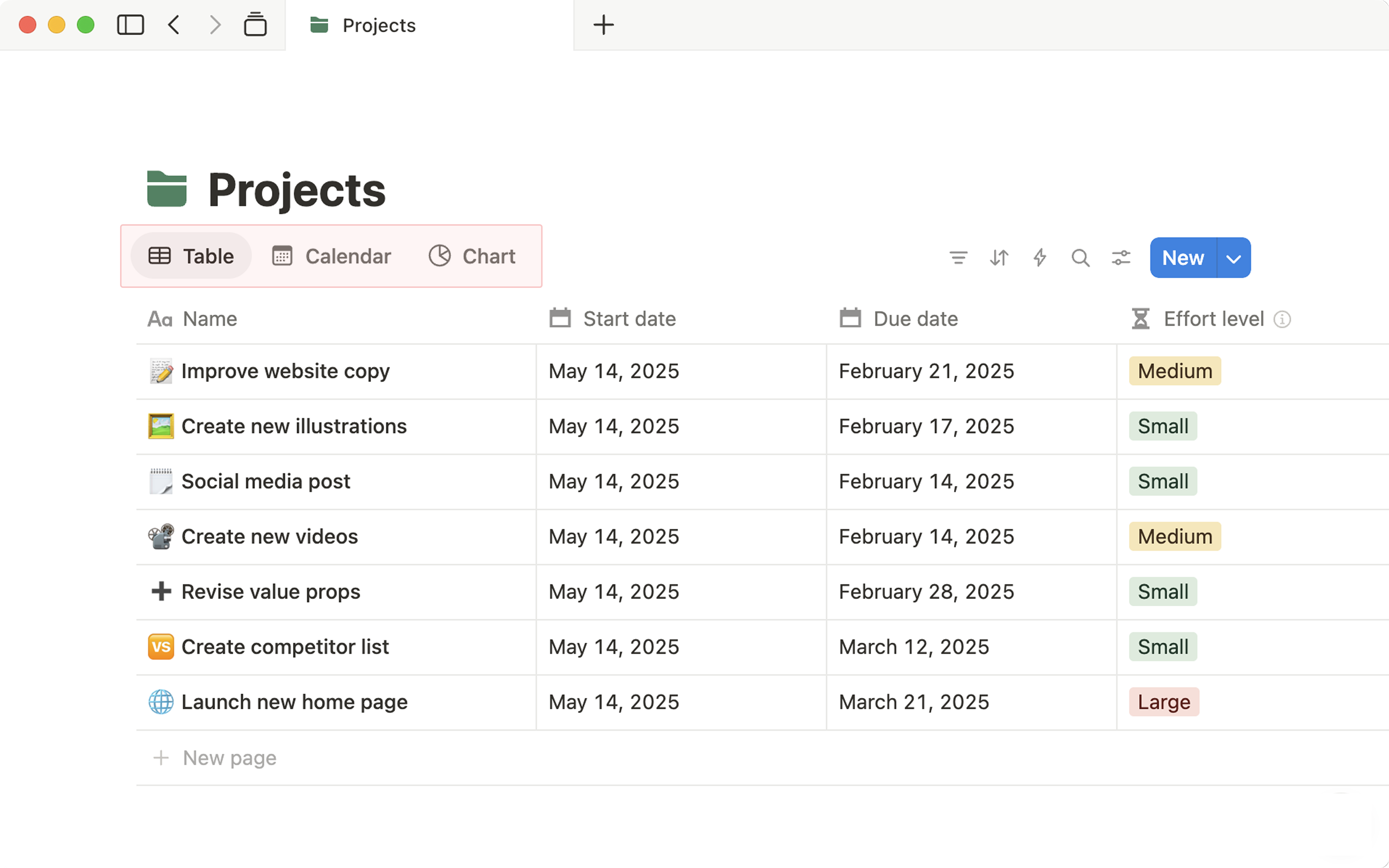
Programme Planner

Youth, Kids, and Young Adults — all programmes planned and visible

A Notion database with every upcoming Generations session — Youth Night, Kids Church, Young Adults, and special events. Each entry includes: date, theme, speaker/leader, format, and what needs preparing. Filter by group to see just Kids or just Youth in one view.

Each session entry opens as a full planning page — with the running order, discussion questions, materials needed, volunteer briefing, and post-session notes. Everything in one place that every leader can access.

What this looks like in Notion
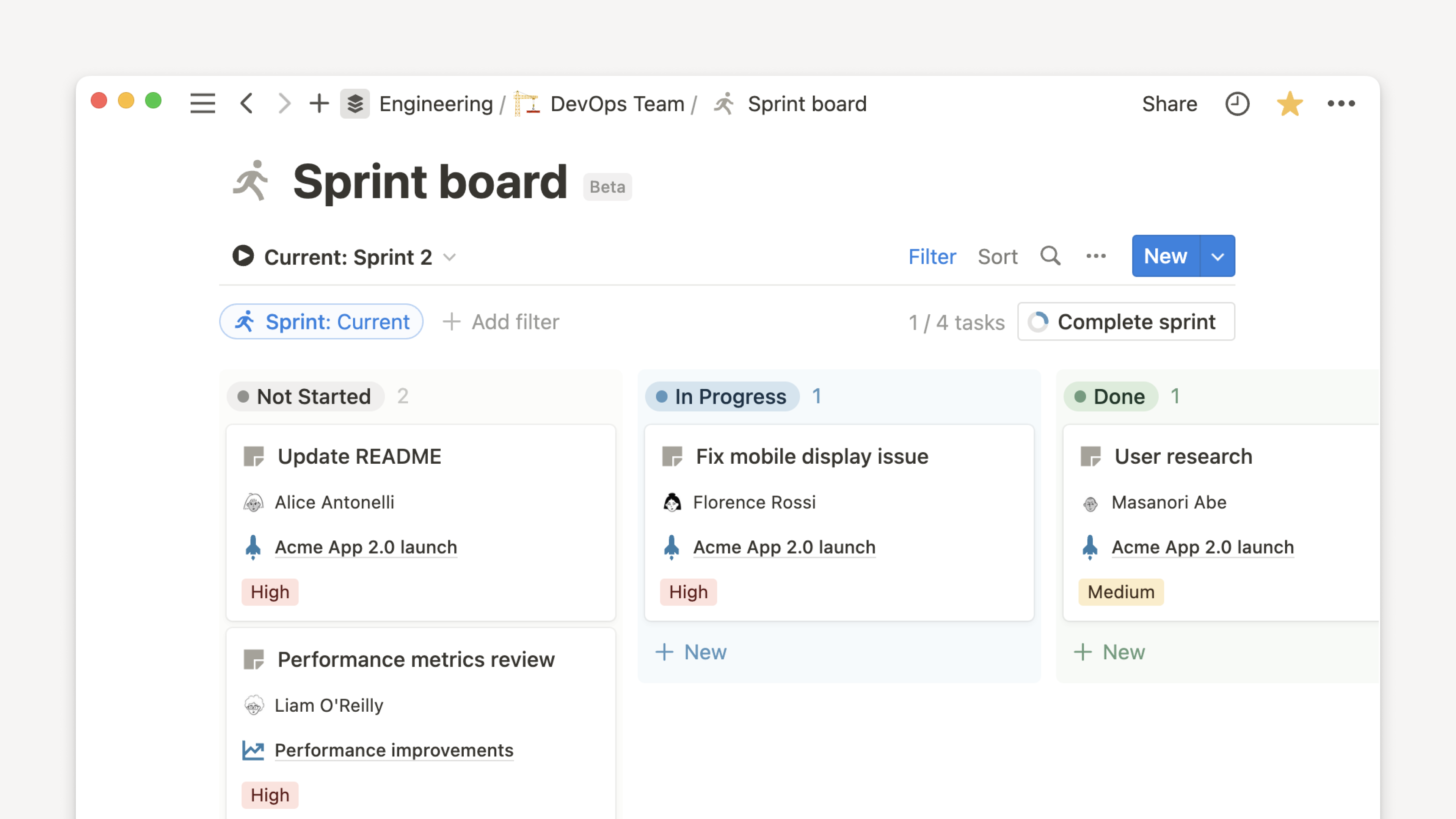
Notion board view — session pipeline for youth and kids
📆 Generations — Sessions
Youth Night — 28 May — Identity series In prep
Kids Church — 25 May — Creation week Ready
Young Adults — 2 Jun — Testimony night Planning
Summer Camp — Jul — Dates TBC Idea stage
💡 Give your volunteer leaders view access to the programme planner — they know what's coming up, can prepare in advance, and don't need to ask you every week what the plan is.
📋

Team Rota Database

Who's serving, in what role, every session — no more last-minute scrambles

A rota database where each entry is a session, and properties track who's in each role: main leader, small group leaders, kids team, games, setup, and welcome. Use a Calendar view to see the rota laid out month by month.

When someone can't make it, you can see which role is now uncovered and reach out to a specific person — not send a mass "anyone free?" message to 20 people.

What this looks like in Notion
Notion — switching between views, e.g. calendar for rota
📋 Youth Night Rota — June
🎤 Main speaker — Josh / Rotating
👥 Small group leads — 4 assigned, 1 gap
🎮 Games coordinator — Marcus T.
🚪 Welcome team — Priya + team
💡 Share the rota database (read-only) with your volunteer team. They can see their commitments, plan ahead, and flag availability issues early — not the night before.
📒

Resources for Leaders

Session plans, games, discussion guides — a library your whole team can use

A resource library in Notion for your volunteer leaders — session plans, ice-breaker games, small group discussion questions, drama scripts, and memory verse activities. Organised by age group and theme, searchable, and always current.

When a leader prepares for a session, they go to Notion, find what they need, and have everything in one place — not piecing together materials from three different WhatsApp conversations.

📒 Leaders Resource Library
🎮 Ice-breakers — 25 games for youth groups
💬 Discussion questions — Identity series (Youth)
📖 Bible story plans — Creation (Kids, ages 4–8)
🎭 Drama scripts — Easter / Christmas specials
💡 Encourage leaders to add resources they've found to the library too. The best Notion resource libraries grow because everyone contributes — not just the department lead.
📝

Registration Database

Young people's details, parent contacts, and consent — all in one place

A private registration database for each Generations group — each young person has an entry with: name, age, school year, parent/guardian contact, medical notes, consent status, and DBS-relevant notes. Filtered views for Kids, Youth, and Young Adults separately.

This database stays within a private, permission-controlled teamspace — accessible only to Josh and the relevant approved leaders. No sharing via WhatsApp or insecure channels.

💡 Keep this database strictly private. Use Notion's permission settings to ensure only approved Generations leaders (with valid DBS clearance) can access it.
💙

Pastoral Care Notes

Private follow-up notes for young people needing support

A private, highly restricted Notion database for pastoral care notes — young people you're walking alongside, conversations to follow up, concerns to monitor, and actions taken. This is sensitive information and needs to be treated with appropriate care.

Each entry is a private page accessible only to you and Andrew (Hub Pastor). It allows you to track follow-up without relying on memory — and creates a documented trail that protects both you and the young people you care for.

💡 This database must be in a Private teamspace with strictly controlled access. Never share pastoral care notes outside of this system — Notion's security settings make it possible to lock this down properly.
📱

Parent Communication Log

Updates sent, feedback received, and important conversations recorded

A log of all significant parent communications — updates sent to all families, individual conversations, feedback received, and follow-up actions. Not a replacement for your communication channels, but a record of what was shared and when.

Particularly useful when a concern is raised — being able to show "we communicated this on this date" protects both the church and the families you serve.

💡 Link each parent communication to the relevant young person's entry in your registration database. Everything connected — a complete picture of each family's engagement with Generations.
🚀

Where to begin, Josh

Start with the Programme Planner — it gives your volunteer leaders visibility and reduces the amount of coordination you have to do personally each week.

1
Create a private "Generations" teamspace (invite your approved leaders only)
2
Build the Programme Planner database: Session, Date, Group, Theme, Leader, Status
3
Add the next 4 weeks of sessions as entries and fill in the details you already know
4
Create a Leaders Resource Library page and add 10 resources to get it started