I
Ify
Finance
Notion for Finance
Budget tracking, expense logs, invoice management, and financial reporting — Notion gives Finance a clear, connected workspace that makes reporting easier and accountability clearer.

Budget tracking, expense logs, invoice management, and financial reporting — Notion gives Finance a clear, connected workspace that makes reporting easier and accountability clearer.
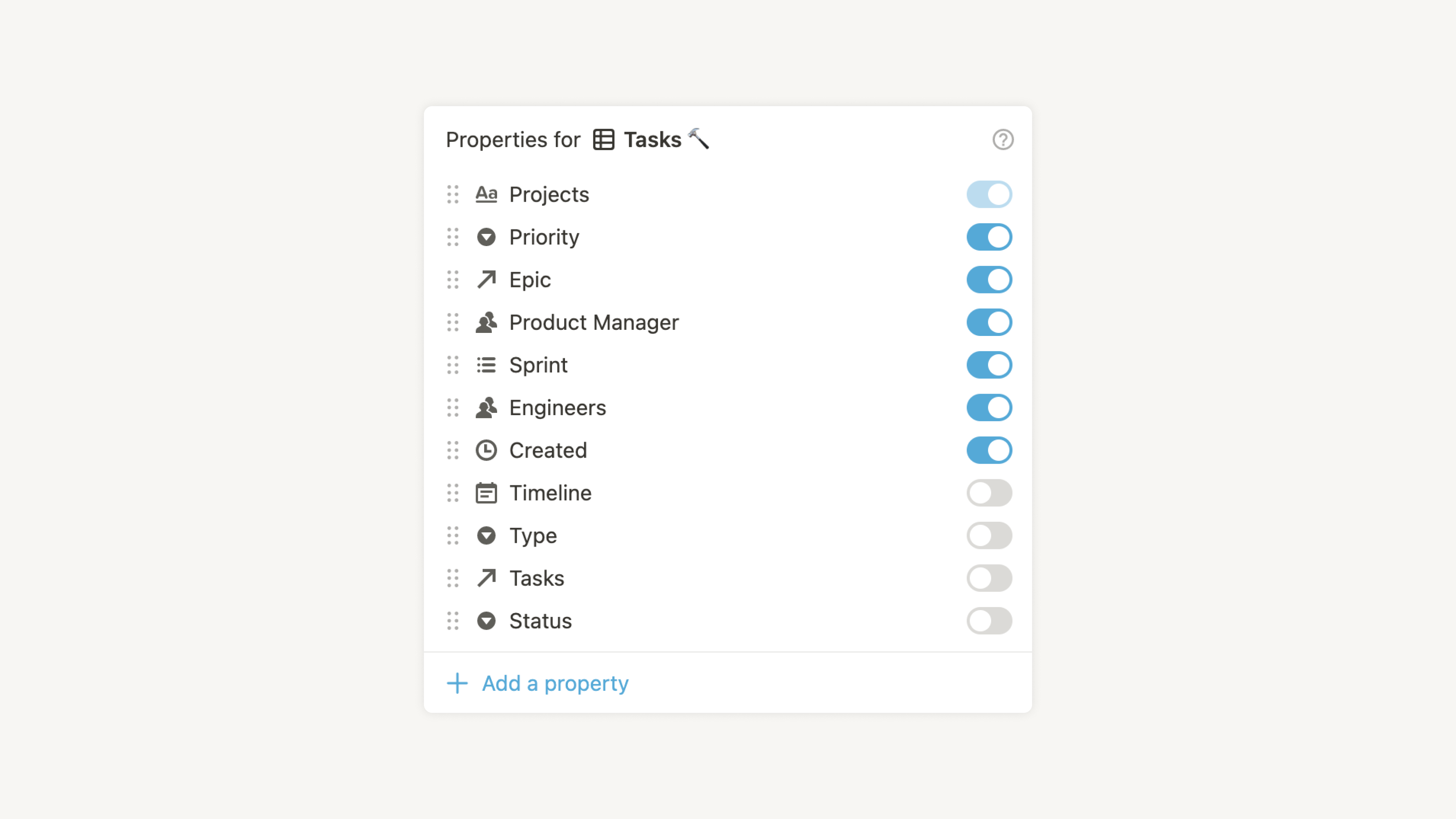
A Notion database with each department as a row, tracking allocated budget, actual spend to date, and remaining balance — using formula properties to calculate automatically. Department leads can see their own budget without needing to email Finance for an update.
The Finance teamspace is private, but you can share specific filtered views with department leads so they see only their own allocation — not the whole org's finances.
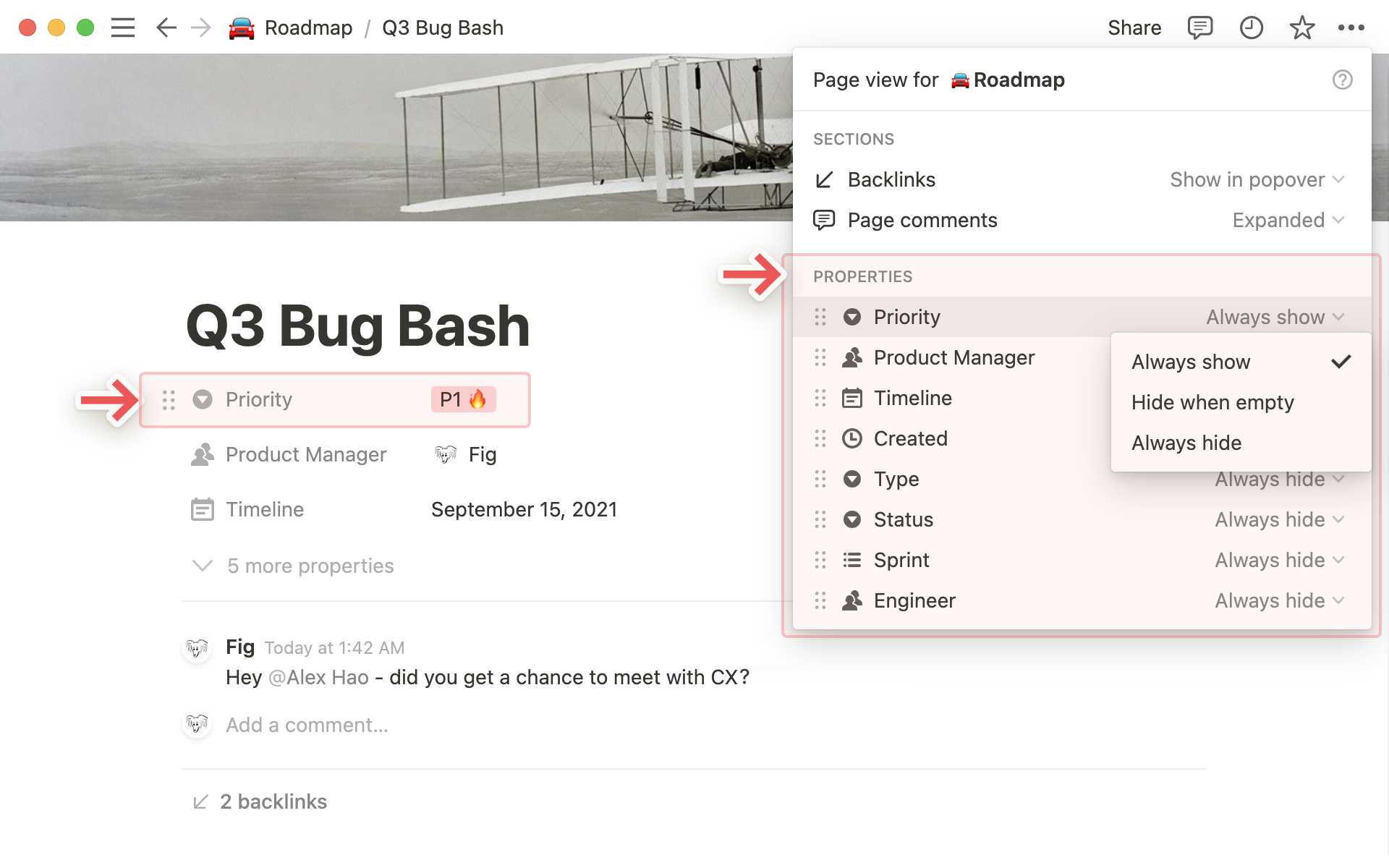
A database where every church expense is logged: amount, date, category, department, paid by, approved by, and receipt (uploaded directly to Notion or linked from Google Drive). Staff can submit expenses themselves with a Notion form — the request lands in your database ready for review.
Filter by department to see all events spending. Filter by month for reconciliation. Filter by "Approved = No" for your action list. Everything you need, instantly filterable.
A log of all invoices received: supplier, invoice number, date received, amount, due date, payment date, and status (Received / Approved / Paid). A formula property automatically flags invoices that are overdue.
No more invoices missed because they arrived in an email that got buried. Everything that comes in gets logged — and you can see at a glance what's outstanding this week.
A database of all funds, grants, and restricted income All Nations receives: funder name, amount, purpose, start and end date, reporting requirements, and reporting deadlines. Ensures grant conditions are met and reports are submitted on time.
Link each fund to the expenses drawn from it — so you can demonstrate spend against fund purpose in seconds when a funder asks for accountability.
A Notion template for your monthly financial report — income summary, expenditure by department, budget vs. actual, notable variances, and forward look. Fill in the data (which is already in your other databases), add commentary, and you have a clean report to share with Andrew and the trustees.
Storing all past monthly reports in one database gives you a searchable archive and makes year-on-year comparison straightforward.
A private, Finance-only database of all supplier contacts: company name, contact person, email, phone, account number, sort code, payment terms, and any notes. The kind of sensitive data that should never be shared via WhatsApp — but needs to be findable when you need it.
Notion's private teamspace settings mean this stays exactly where it should: accessible to you and key signatories, invisible to everyone else.
Start with the Expense Database — it gives every department a proper way to submit expenses and gives you a clear, manageable view of what's coming in for approval.