S
Sarah
Facilities
Notion for Facilities
Room bookings, maintenance requests, equipment logs, and health & safety documents — everything that keeps All Nations running smoothly, organised and accessible.

Room bookings, maintenance requests, equipment logs, and health & safety documents — everything that keeps All Nations running smoothly, organised and accessible.
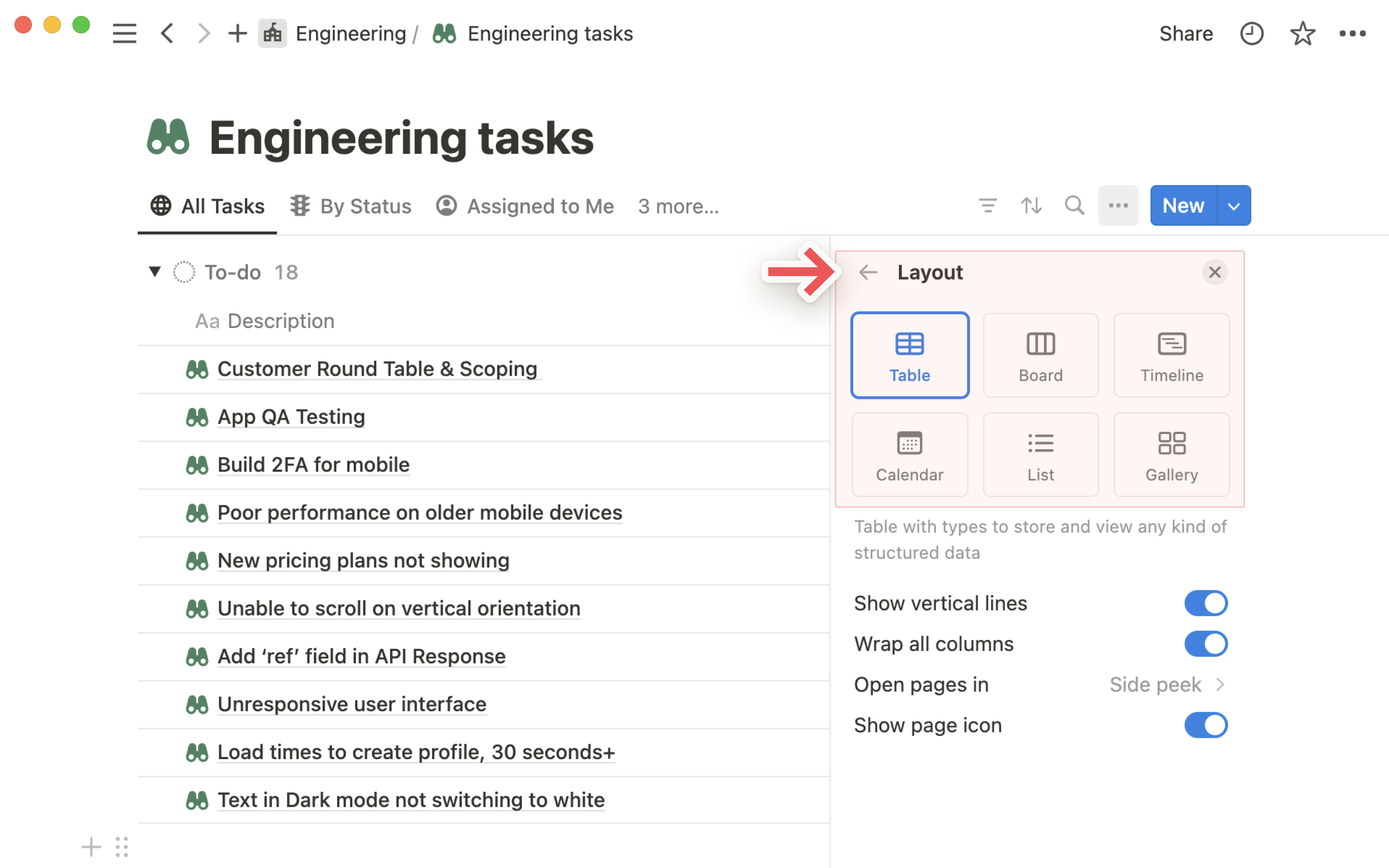
A Notion database for room bookings gives every team visibility over space availability. Each booking entry includes: room, date, time, who's using it, purpose, setup needed, and any special requirements. Switch to Calendar view and you can see every booking across the building in one glance.
No more "I thought you had the hall!" moments. No more booking requests buried in WhatsApp. Everything is in one place, visible to everyone, and always current.
A maintenance database captures every reported issue — a broken chair, a leaking tap, a faulty projector, a heating problem. Each entry has: what the issue is, where it is, who reported it, priority level, assigned contractor (if needed), and status.
Staff can submit issues themselves using a simple form. You can see everything open at a glance, prioritise urgent items, and have a full history of every repair ever made.
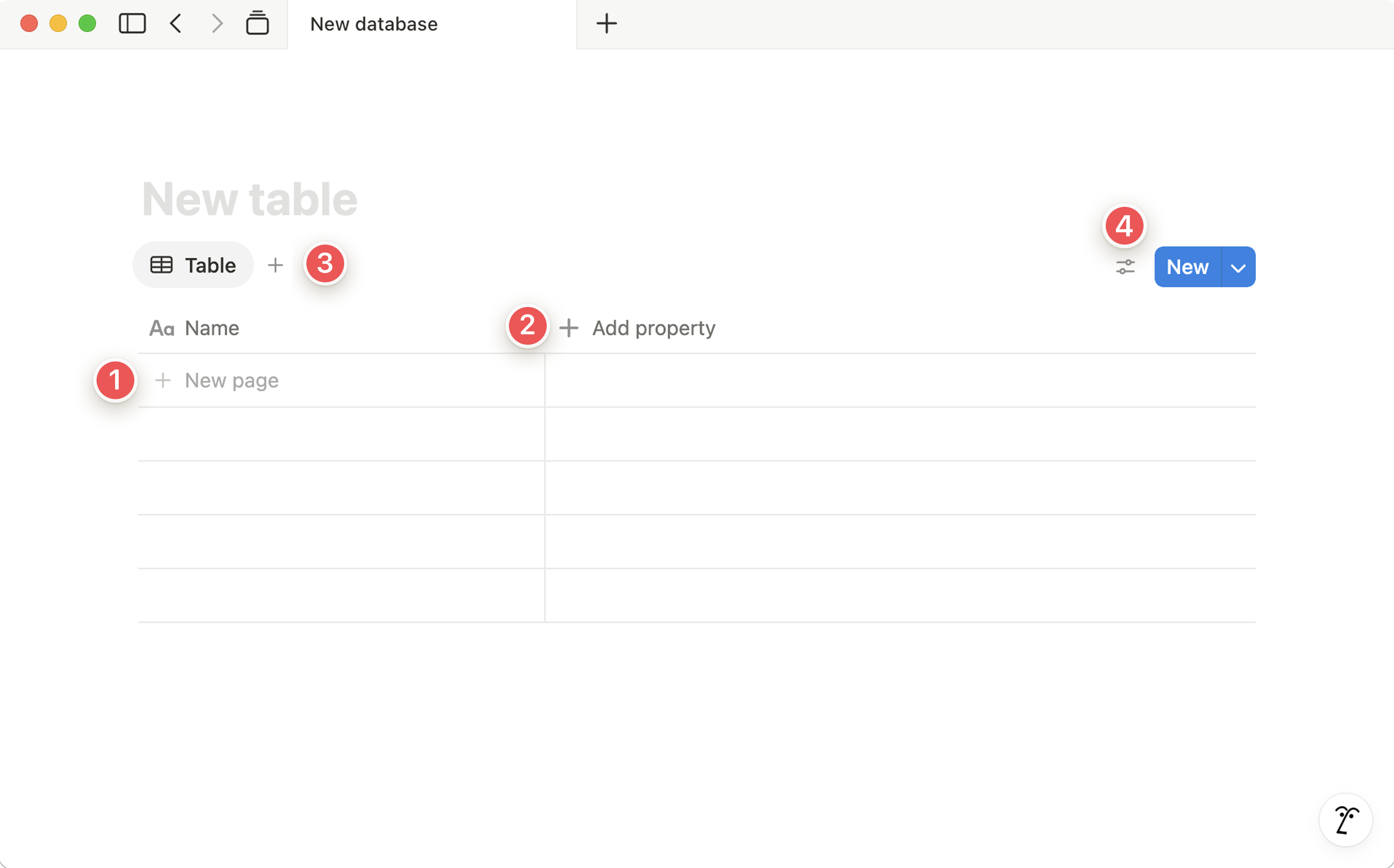
From the boiler to the fold-up tables, from the projector to the coffee machine — a Notion asset database tracks every physical item in the building. Each entry has: location, purchase date, last serviced, warranty expiry, supplier, and condition.
When something needs replacing, you have the full history at your fingertips — not buried in an old email or a spreadsheet you can't find.
A contacts database for all the people and organisations that keep the building running: cleaners, electricians, plumbers, decorators, security, catering suppliers. Each entry has their contact details, what they cover, typical response time, cost, and any contract details.
When something breaks at 7am on a Sunday, you're not searching through old emails for a phone number. It's in Notion, searchable in seconds.
H&S documentation needs to be findable, current, and accessible to the right people — not buried in a filing cabinet or a folder on someone's desktop. Notion gives each document a home, with a clear last-reviewed date and owner.
Fire evacuation plans, risk assessments for events, first aid procedures, COSHH documents — all categorised, linked, and searchable. When an inspector or a new volunteer needs something, it takes seconds to find.
Create a recurring task database for all scheduled maintenance and cleaning — daily, weekly, monthly, quarterly, and annual tasks. Each task has a due date, assignee, and completion status. When one cycle completes, the next is automatically created.
Cleaners and maintenance staff can tick tasks off on their phones. You can see at a glance what's been done today and what's still outstanding — without having to be physically present.
Start with the Maintenance Request Tracker — it's immediately useful and saves a lot of WhatsApp messages from day one.