I
Ify
Events
Notion for Events
From the first idea to the final debrief — every event, its tasks, volunteers, budget, and lessons learned, all in one connected place that your whole team can access.

From the first idea to the final debrief — every event, its tasks, volunteers, budget, and lessons learned, all in one connected place that your whole team can access.
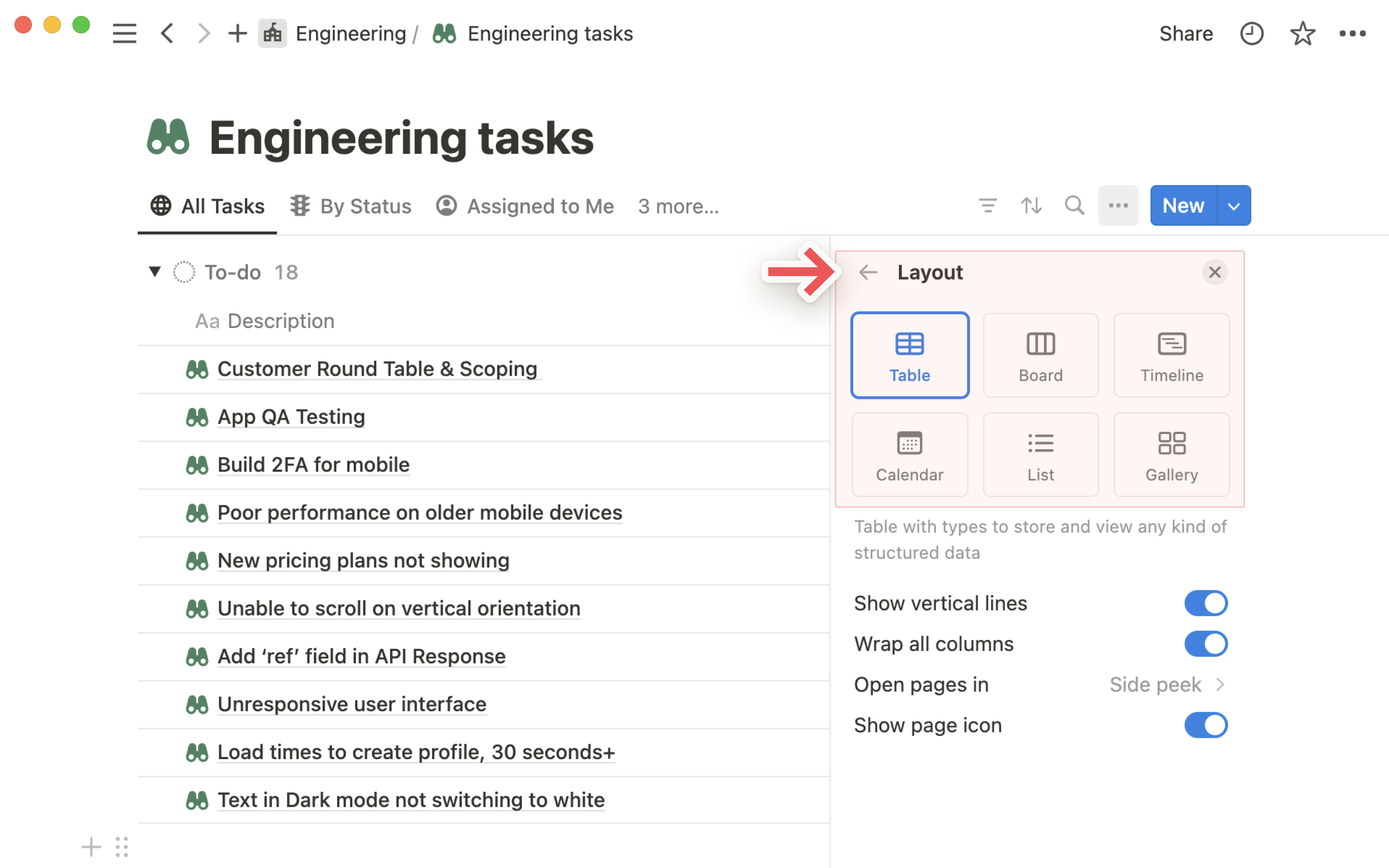
One database. Every event All Nations runs. Each entry includes: event name, date, location, lead, budget, expected attendance, status, and links to the full planning page inside. Switch to Calendar view to see the whole year at a glance.
When Andrew (Hub Pastor) asks "what have we got coming up in Q3?" — you open the database, filter by date, and show him in 10 seconds. No searching, no spreadsheet, no "let me check my notes".
Build one brilliant event planning template in Notion — and reuse it for every event. The template covers every phase: concept, logistics, promotion, day-of, and debrief. Each phase has a checklist of tasks, ordered by timing.
When a new event is created, one click generates the full planning page with every task already in it. Assign tasks to team members, set due dates, and your event planning is structured from the start.
For each event, maintain a volunteer database: who's coming, what role they're filling (greeting, setup, catering, AV, kids), and whether they've confirmed. Filter to see only unconfirmed roles and follow up targeted — not a mass "can someone help?" WhatsApp message.
Link your volunteer database to your master contacts database (or HR's staff database) so you're not duplicating data. The same person appears in both — with all their details in one place.
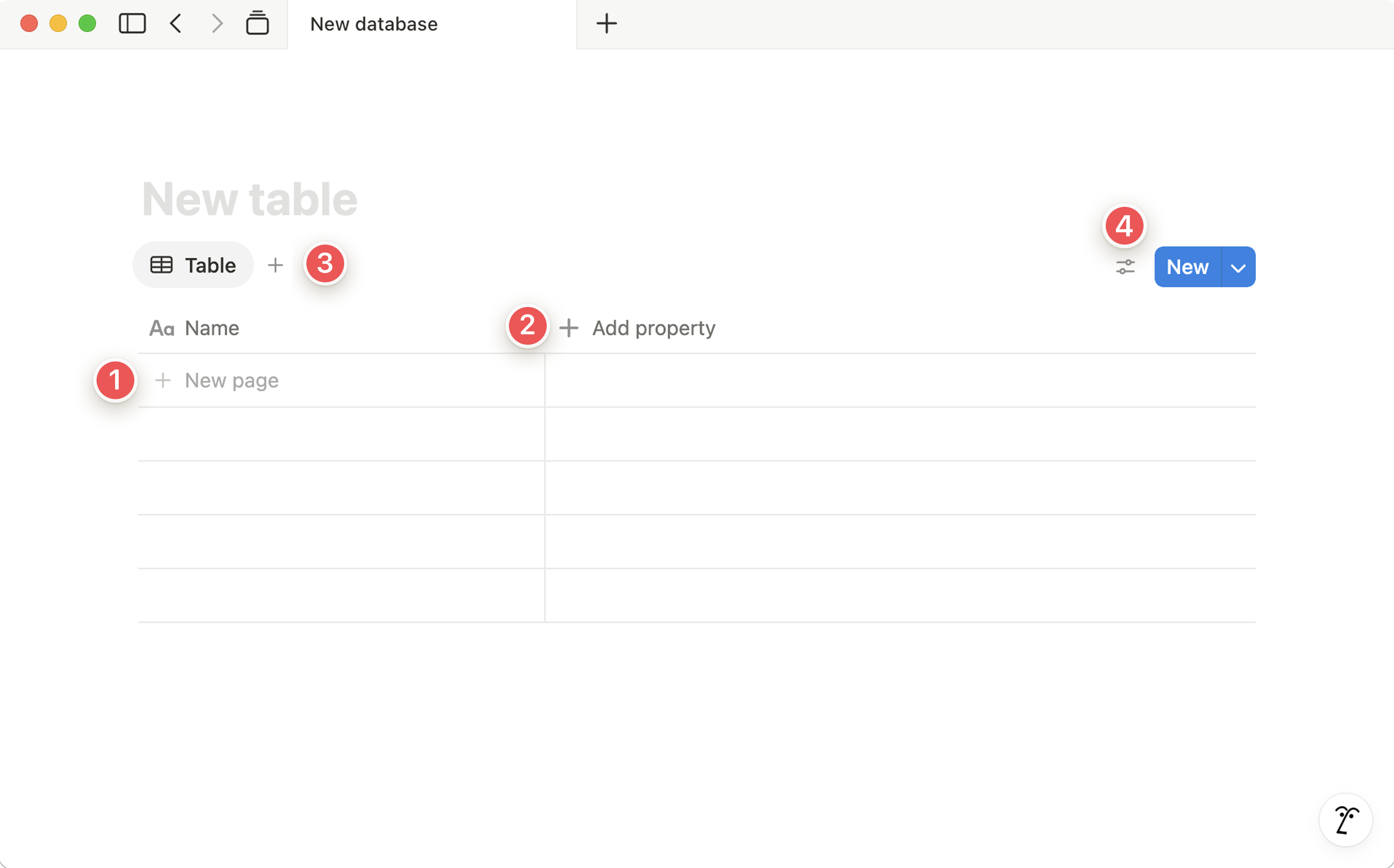
Inside each event's planning page, include an expenses table: item, estimated cost, actual cost, paid by, receipt attached, and status. Notion's formula properties can calculate total spend and remaining budget automatically.
No more "roughly how much did that event cost?" conversations. The data is there, accurate, and linked to receipts. Finance (Ify) can see exactly what was spent without needing a separate report.
A contacts database specifically for event suppliers and venues: caterers, AV companies, venues for offsite events, photographers, printers, and staging companies. Each entry has: contact name, company, phone, email, what they provide, typical cost, and a rating based on past experience.
When planning a new event, filter by what you need and you immediately have your shortlist — with past experience notes to help you choose.
After every event, add a debrief section to the event page: attendance vs. expected, highlights, what went well, what to improve, feedback received, and actions for next time. This takes 15 minutes but is worth hours of future planning time.
When planning a similar event next year, open last year's debrief and you have a complete guide to what to do differently. Institutional memory, preserved.
Start with the Events Master Database — it gives you and Andrew an immediate overview of everything that's happening, and becomes the hub everything else connects to.