N
Naomi
Communications Lead
Notion for Communications
A content calendar, message drafting, approval workflows, and announcement templates — all in one connected workspace that keeps communications clear and consistent.
A content calendar, message drafting, approval workflows, and announcement templates — all in one connected workspace that keeps communications clear and consistent.
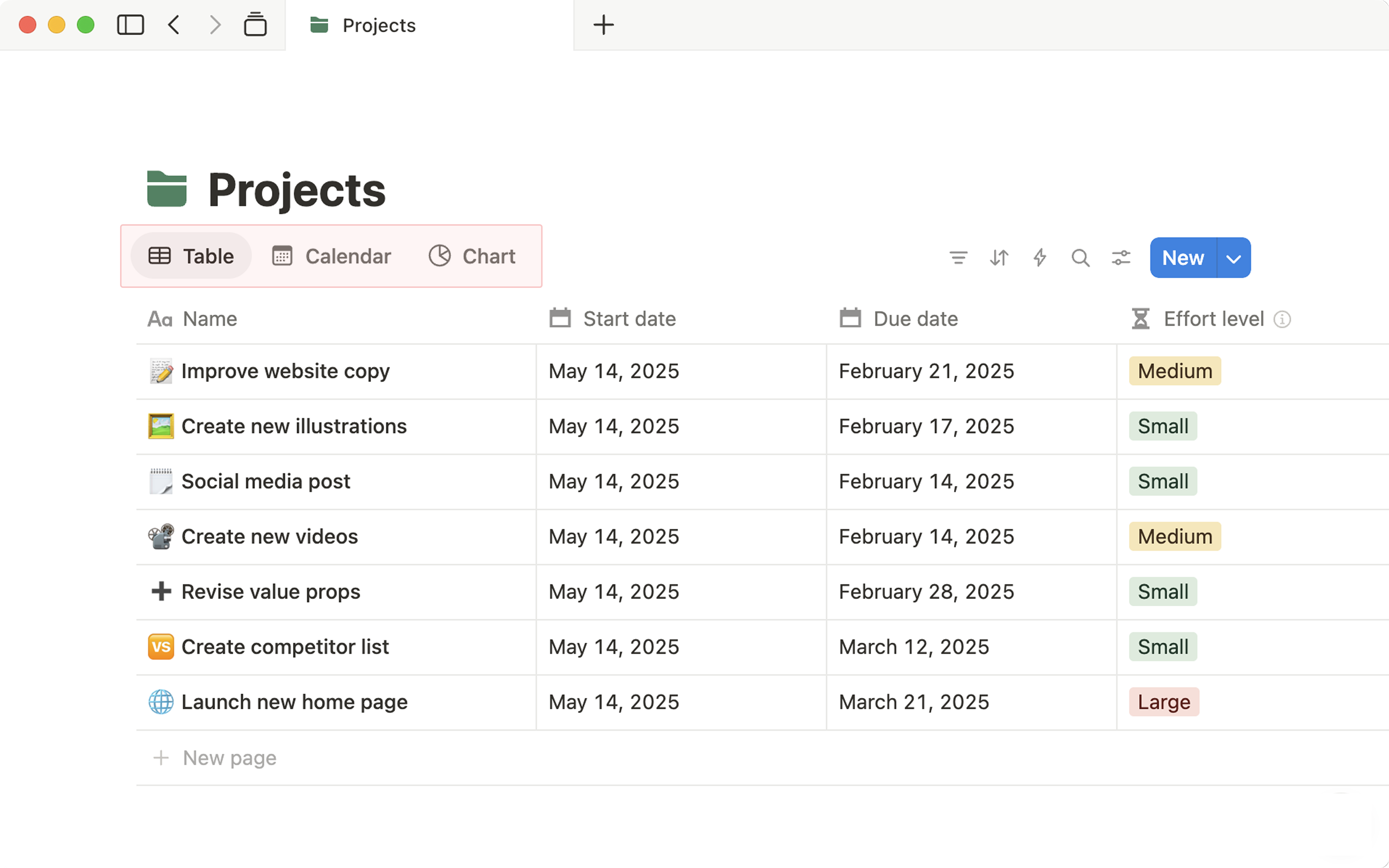
A Notion content calendar database is the communications team's most powerful tool. Each row is a piece of communication — a social post, email newsletter, Sunday announcement, or external press release. Properties include: platform, publish date, status, author, and linked assets.
Switch to Calendar view to see everything laid out by date. Switch to Board view to see what's in draft, review, approved, and published. Same data — two completely different perspectives.
Each communication piece can be drafted directly in Notion. Use the page body for the full copy, then assign a reviewer using @mention. They get notified, can comment inline on specific sentences, and update the status when approved.
The entire approval conversation happens inside Notion — no more emailing Word docs back and forth, losing track of which version has which feedback.
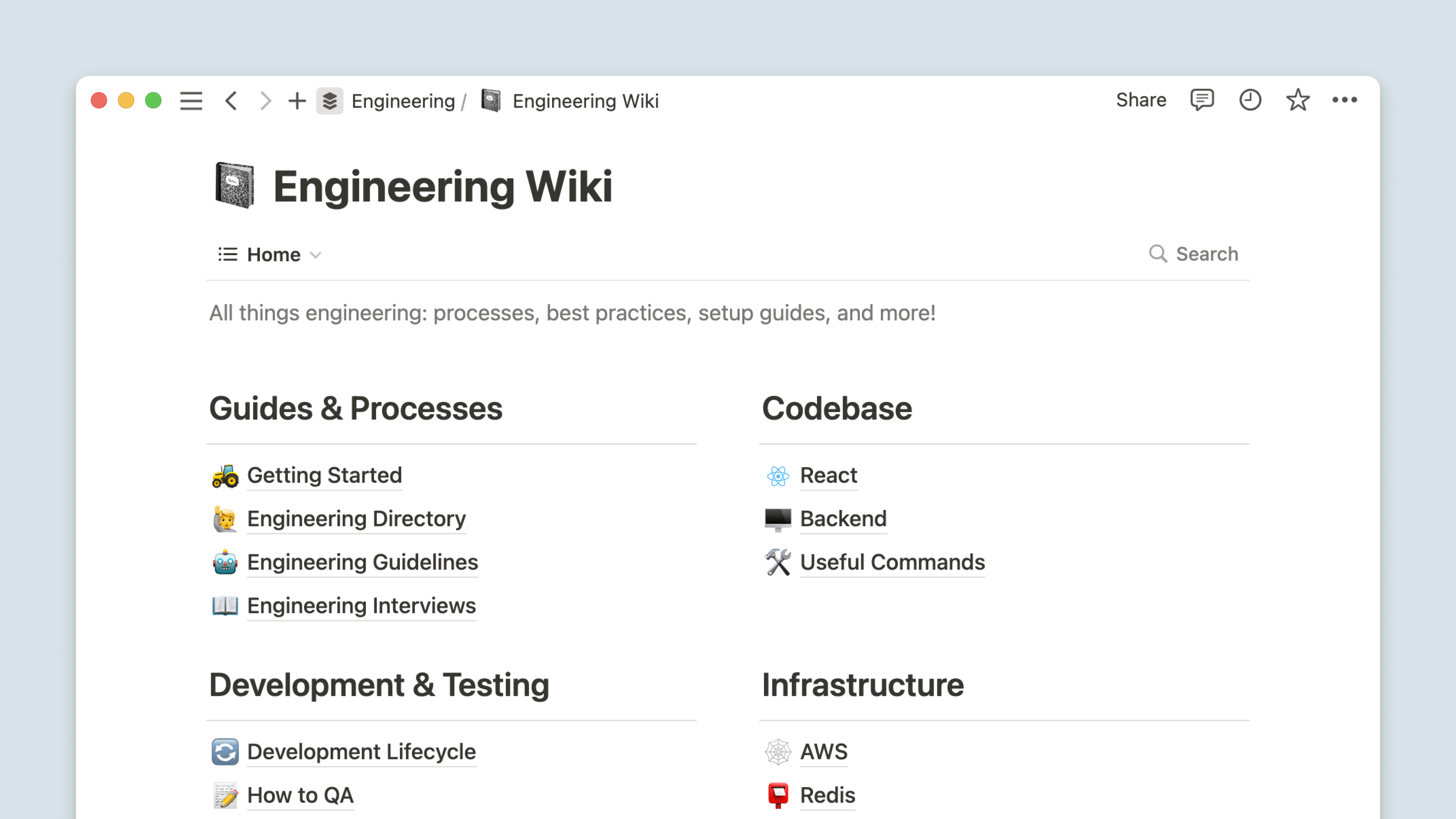
Build a template library in Notion for your most common announcement types: event promotion, staff update, prayer request, urgent notice, weekly bulletin. Each template comes pre-formatted with the right structure, tone guidance, and placeholder text.
When a new announcement is needed, one click creates a fresh page with everything already in the right shape. Faster to write, more consistent in style, easier for anyone to use.
Create a database of newsletter issues — each as its own Notion page with sections for theme, stories, pull quotes, links, and the final HTML/copy. Include a checklist inside each issue page: content written → designed → proofed → approved → sent.
Over time this becomes an archive of every newsletter ever sent — searchable, with analytics notes, and a record of what content performed well.
A social media database in Notion gives you visibility across all platforms: Instagram, Facebook, YouTube, and more. Each entry has the caption, image/video link, platform, scheduled date, status, and engagement notes afterwards.
No more trying to track posts across native schedulers and WhatsApp threads. Everything is in Notion — planned, reviewed, approved, and published from a single source.
A contacts database in Notion covers media contacts, church partners, event speakers, suppliers, and key community relationships. Each entry has: name, organisation, email, phone, how you know them, last contact date, and any relevant notes.
Unlike a contacts app or spreadsheet, each person's Notion entry can link to every email, event, or announcement they've been involved with — giving you full relationship context instantly.
The content calendar is the foundation of everything in Communications. Start there and build outwards.